Put us on your home screen
The day's answer, one tap away
Add SanibelTides to your iPhone home screen
Safari can pin this site to your iPhone home screen so it opens like an app. The whole thing takes about a minute, four taps from the page you are reading now.
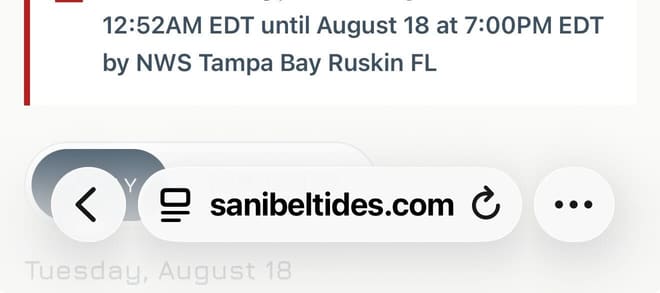
Open sanibeltides.com in Safari, then tap the three-dot button at the right end of the address bar.
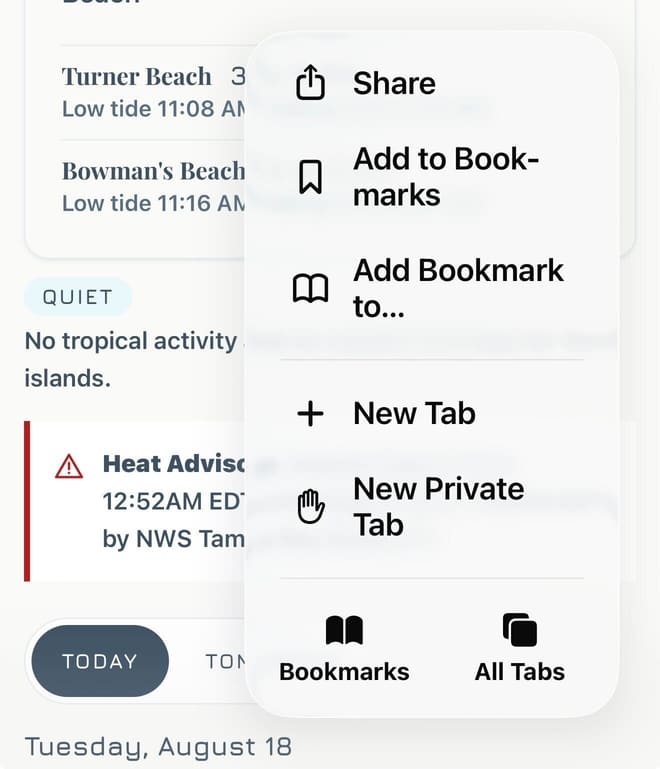
Tap Share at the top of the menu.
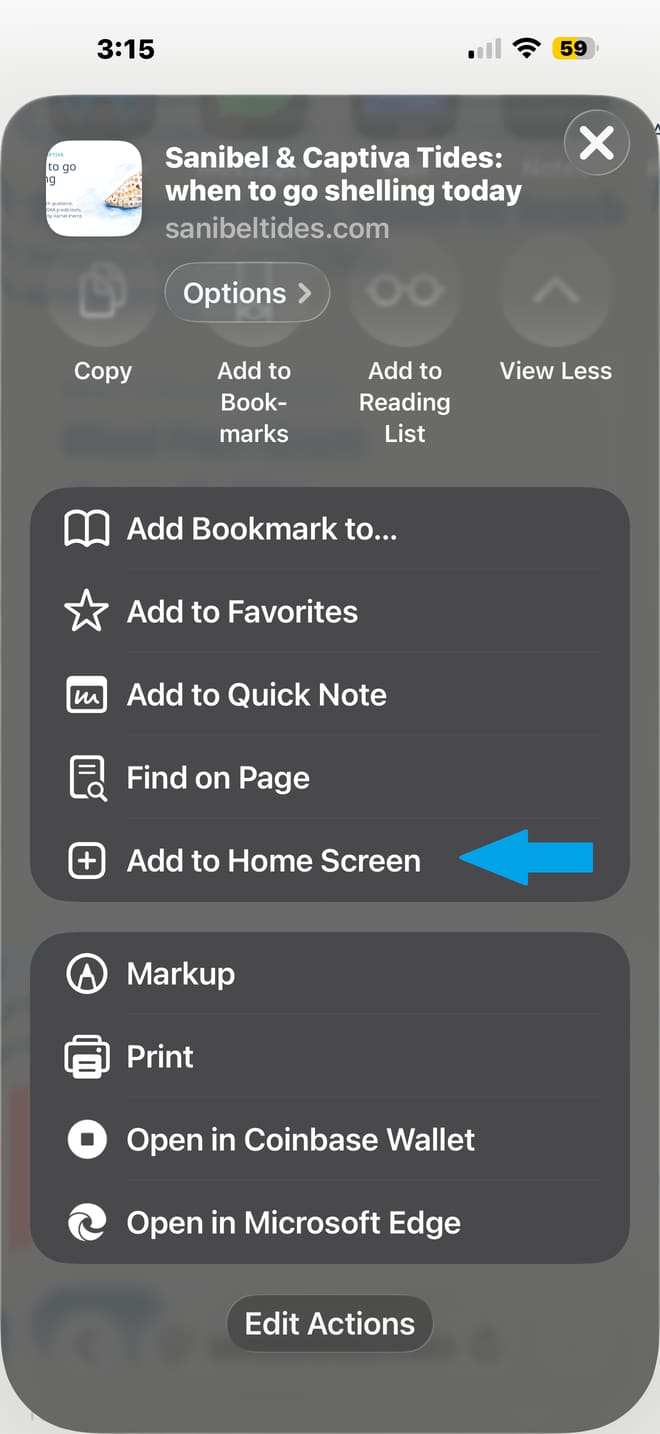
Scroll down and tap Add to Home Screen, then confirm with Add.
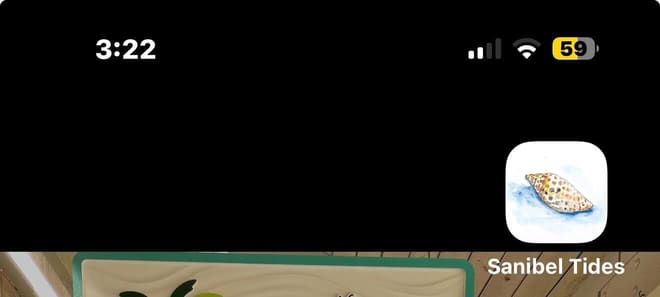
Done. Rachel's shell icon appears on your home screen.
On an Android phone the same idea works in Chrome: open the browser menu and choose Add to Home screen.